How to use VisionDoc
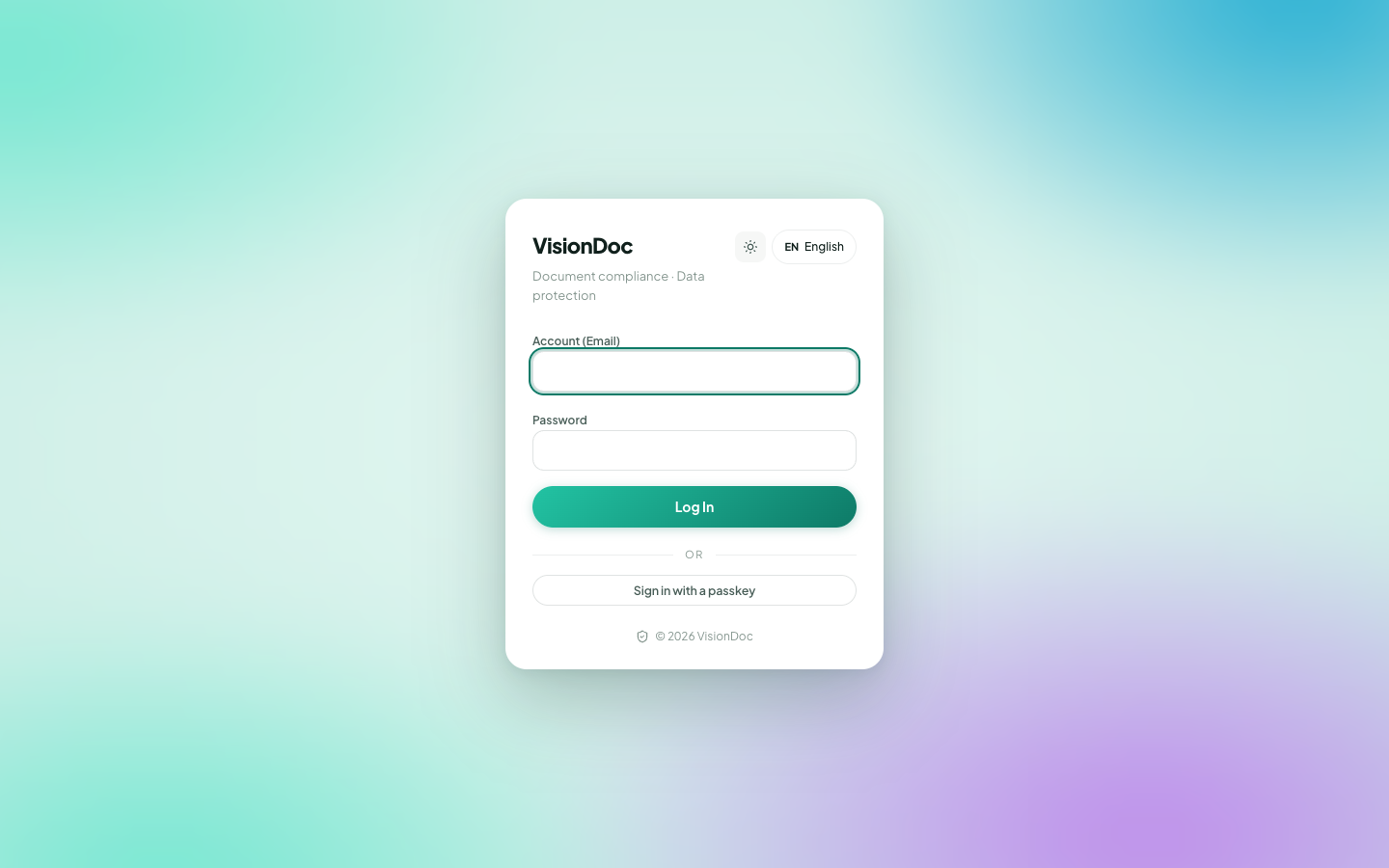
VisionDoc is your company’s document workspace. Sign in, see what needs attention, and keep the files in Drive.
Open it at https://app.visiondoc.ai. This book has an English copy and a Traditional Chinese copy. In the console, EN at the bottom left switches the language the same way.
Where things live
The sidebar has three groups.
| Group | Items |
|---|---|
| Overview | Dashboard, Drive, Search |
| Workflow | A menu. The pictures open it to Start workflow and Inbox & outbox. Application folder and Purchase Requisition are pages in the same group when the company uses them |
| Workspace | Signing, Audit, People & access, Security, Settings. Rules is its own page when the company files incoming documents with rules |
Workflow is the row with a chevron. It is not a page by itself. Click the row and the chevron turns up. In the pictures, the menu is Start workflow and Inbox & outbox. Each item, including the two pages a company may also have, has its own example on the Workflow page.
The sun icon switches light and dark. EN switches the language. The door icon signs you out. Ask sits at the bottom right of every page.
These pictures were taken on production in November 2026.