Signatures
Signing
Signing is the first item under Workspace. It lists signature requests that are still open.
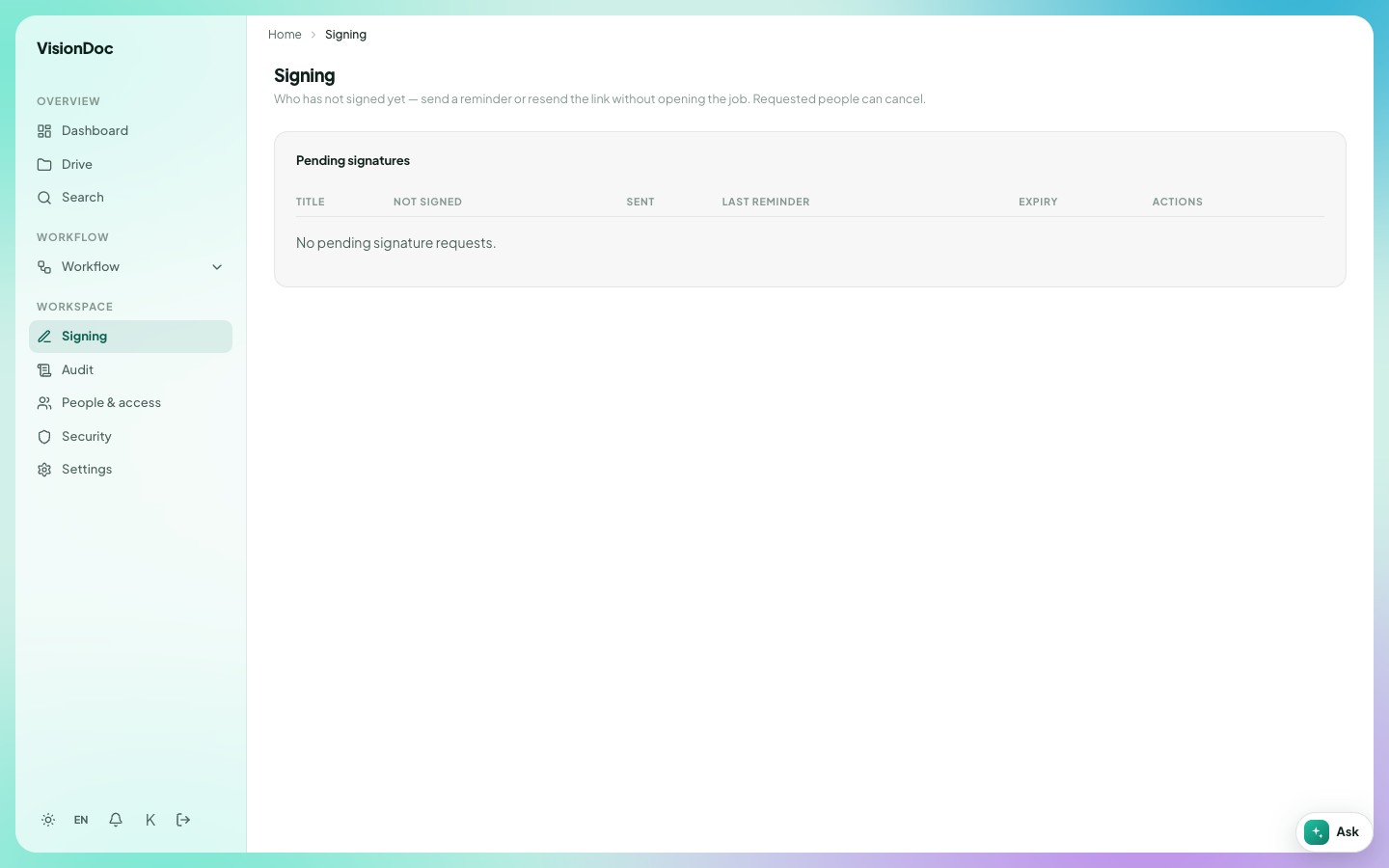
The line under the title says Who has not signed yet — send a reminder or resend the link without opening the job. Requested people can cancel.
The table is Pending signatures.
| Column | What it shows |
|---|---|
| Title | The document |
| Not signed | Who still has to sign |
| Sent | When the request went out |
| Last reminder | The last time a reminder was sent |
| Expiry | When the request ends |
| Actions | Remind, resend, or cancel |
An empty list says No pending signature requests. You only see requests for your company.
Example: a customer was asked to sign the quotation on Monday, and by Wednesday the Not signed column still has their name. Open Signing, find that row, and send a reminder from Actions without opening the file. When they sign, the row leaves this list. If the date in Expiry has passed, send a new request instead of another reminder. The picture has no rows, so there is nothing to remind.
A drop-off link in Drive can also ask for a signature after a guest uploads. That option is Then request e-sign. The signed file then shows on this page until everyone named on it has signed.