Home
Dashboard
The first page after sign-in is the dashboard. It reads Workspace activity and usage at a glance.
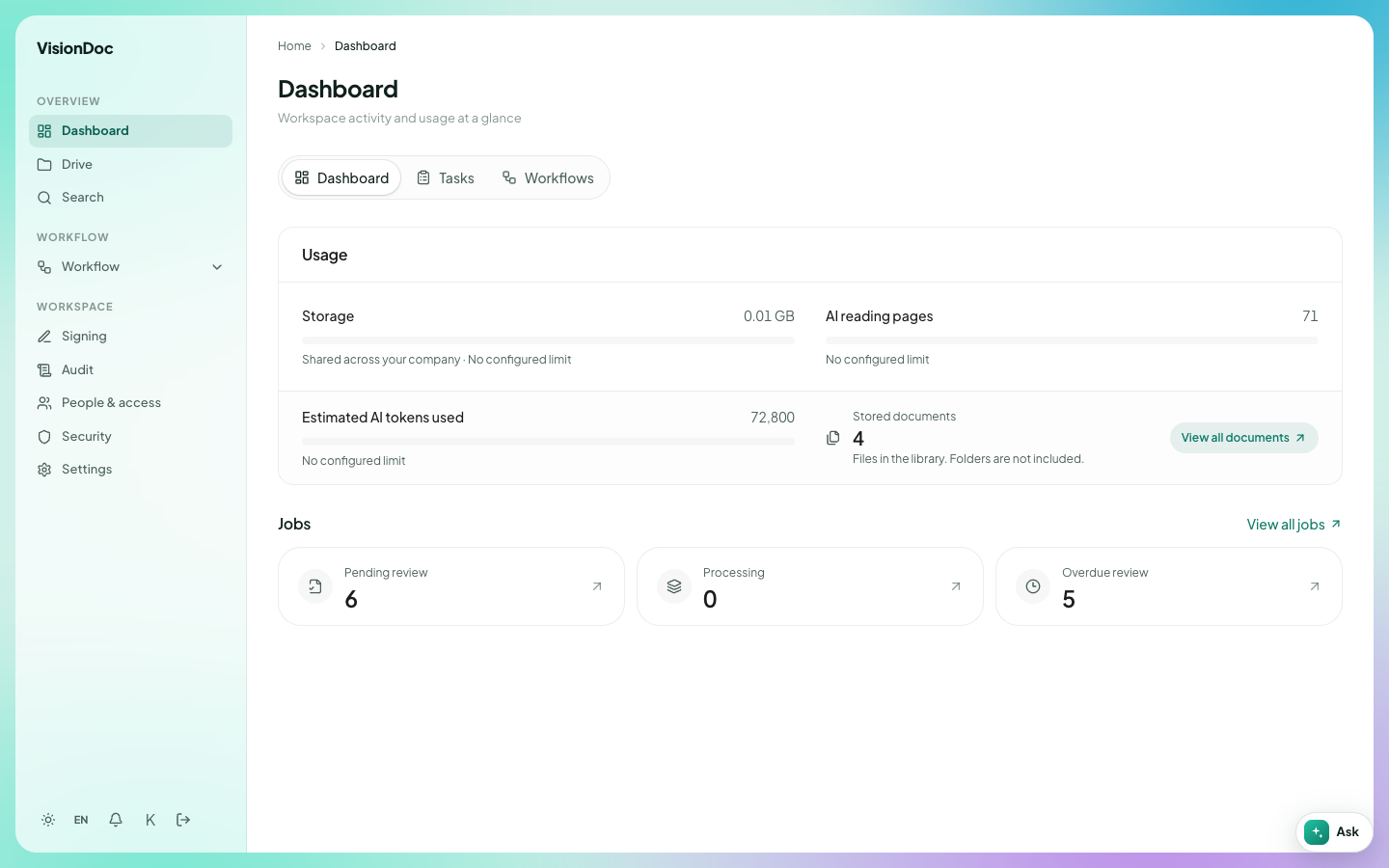
Three tabs sit under the title.
| Tab | Example |
|---|---|
| Dashboard | Storage used, AI reading pages, stored documents, and the job counts |
| Tasks | Work assigned to you. This opens the same list as Inbox & outbox |
| Workflows | The list of workflows you can start |
Usage shows storage, AI reading pages, estimated AI tokens used, and stored documents. View all documents opens the library. Folders are not counted as documents.
Jobs shows three counts:
- Pending review — someone still has to look at the file. In the picture, that company has 6.
- Processing — VisionDoc is still reading the file. The picture shows 0.
- Overdue review — the review date has passed. The picture shows 5.
View all jobs opens the full list. Open Dashboard in the sidebar any time to come back here.